What do you need to make school even better? Add an item and set its price—that’s the goal you’ll be working towards collecting. Here you can also tell your story, and let people know why this item is important to you.
Share Your Fund
It’s time to ask the grownups in your life for a Piggie Buck! Use the share button to send a message asking family members, friends, neighbors and others if they’d like to donate money to help you reach your goal. They can donate any amount starting at $1.
Track Your Progress
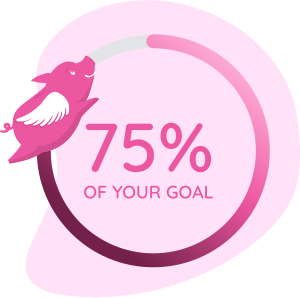
Watch as your Piggie Bucks fill your fund! Tracking can help you see if you need to share with more people to reach your goal, or if you’ve collected enough to buy your item.
Get Paid!
As your fund fills up with donations, you can withdraw money at any time to make your purchase. It will be sent via payment app (such as Venmo or Zelle) or by check—whichever is better for you.
Add Piggie Bucks to
Your Home Screen
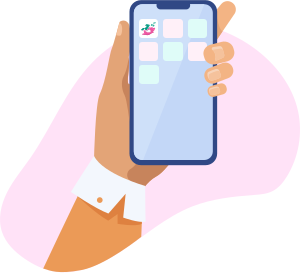
Easily check in on your Piggie Bucks fund with a home screen button that will take you right to it!
If you're using Chrome (Android): Open the menu by tapping the screen's three-dot icon at the top right-hand corner, then select “Add to Home Screen”.
If you're on Safari (iPhone): Hit the share button —it looks like an arrow— and select “Add to Home Screen” from the menu.
Start Your Fund Today
Setting up a fund with Piggie Bucks is quick and easy. All you need is a parent’s permission to get started.